
Best Mantle Wallets: Top Picks for Developers
ℹ Introduction To Mantle Wallets
Wallets are what most people use to handle their digital assets and identity.
Connecting Your Wallet to Mantle Network
To start interacting with the Mantle Network—whether on Mainnet or Testnet—you’ll need to add it to your wallet (e.g., MetaMask). This can be done quickly throughChainlistor manually by entering the network configuration.
Option 1: Add via Chainlist
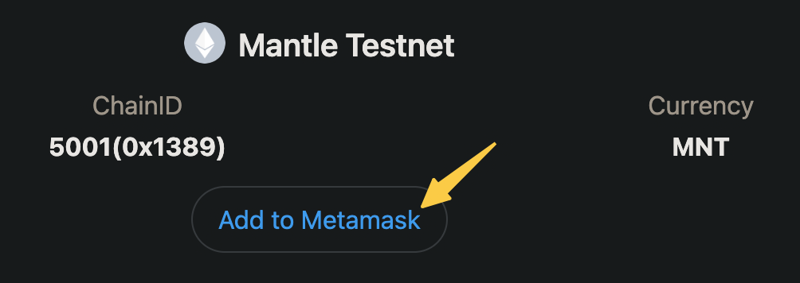
You can automatically connect to Mantle by visiting:
Just connect your wallet, click“Add to MetaMask”, and approve the prompt.
Option 2: Add Network Manually
In MetaMask:
- Open the network dropdown and select“Add Network”
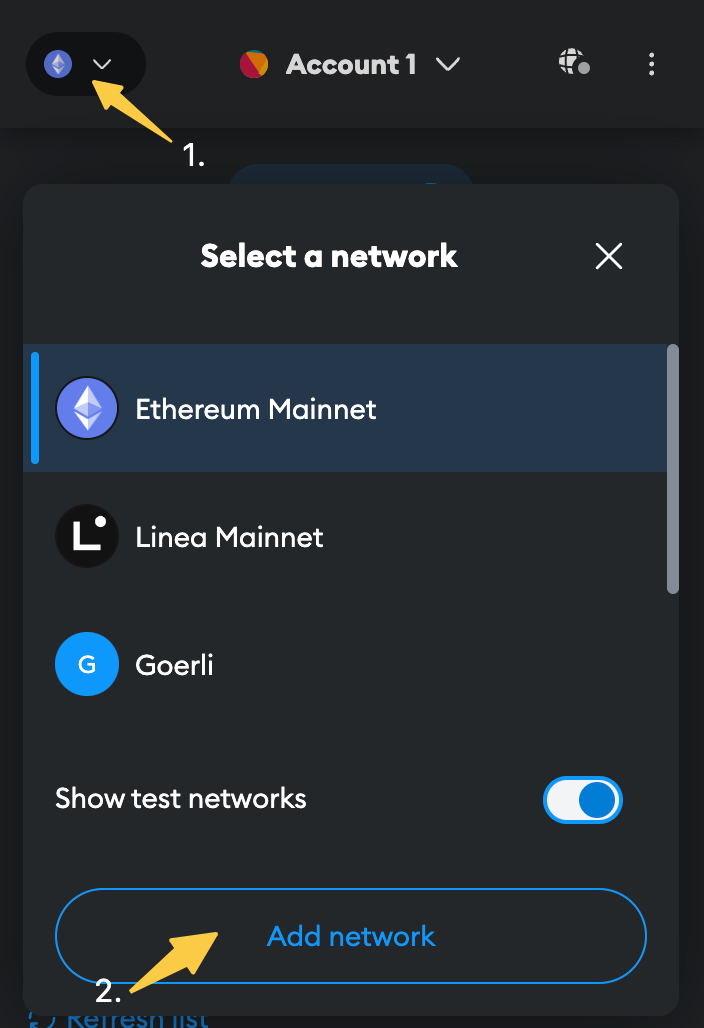
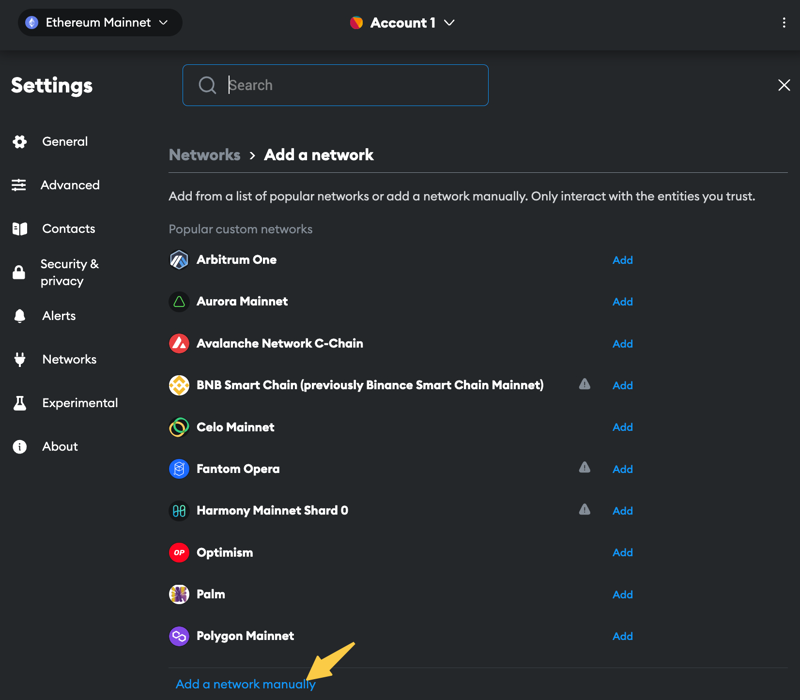
- Click“Add a network manually”and enter the following details:
| Field | Mainnet | Testnet |
| Network Name | Mantle | Mantle Testnet |
| RPC URL | https://rpc.mantle.xyz/ | https://rpc.testnet.mantle.xyz/ |
| Chain ID | 5000 | 5001 |
| Currency Symbol | MNT | MNT |
| Block Explorer | https://explorer.mantle.xyz/ | https://explorer.testnet.mantle.xyz/ |
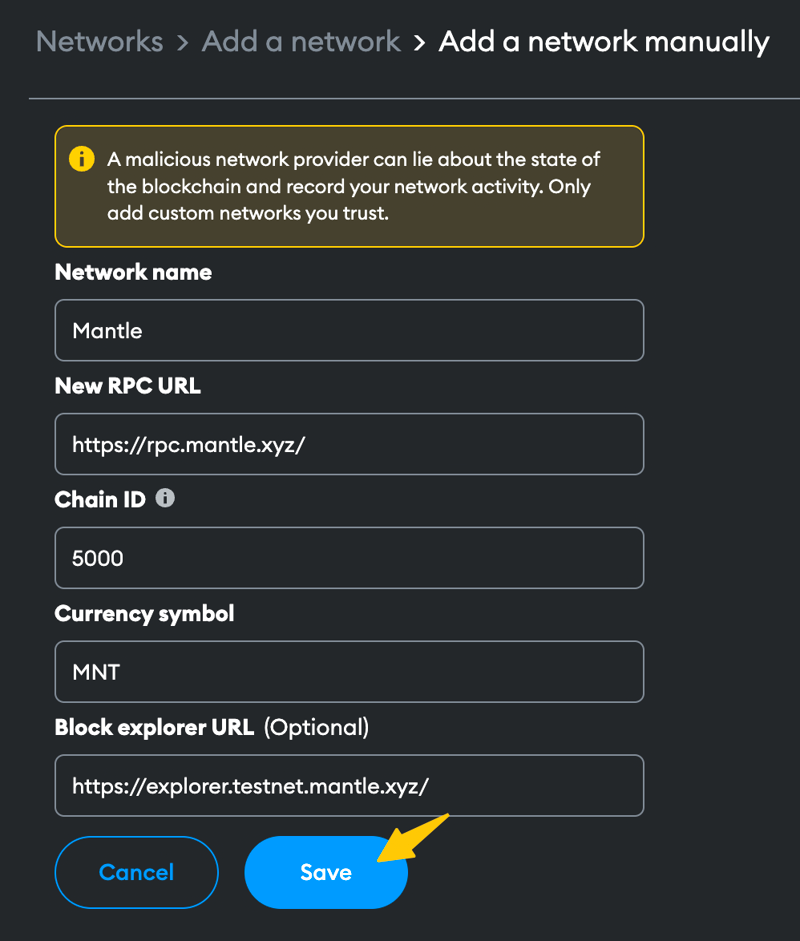
Click“Save”to finish. Mantle will now appear in your network list.
Adding $MNT to Goerli Wallet
If you’re using theGoerli testnetand need to see your $MNT tokens:
- Open your wallet and select“Import Tokens”
- Use this token contract address:
0xc1dC2d65A2243c22344E725677A3E3BEBD26E604
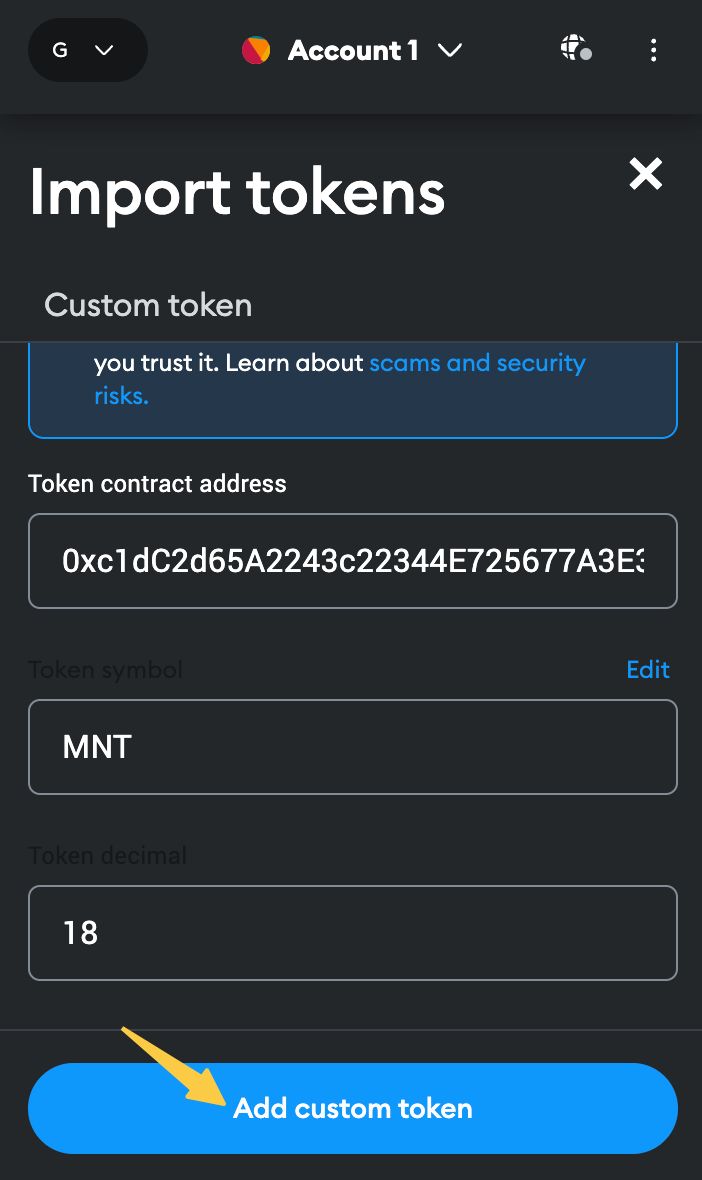
- The fields will auto-fill. Click“Add Custom Token”and confirm.
You’ll now see your $MNT balance in your Goerli wallet.
This setup allows you to develop and test on Mantle with full access to network features.